

The Intuitive LMS for High-Performance Teams
Engage your team with on-brand, customized training. The HireRoad LMS helps you deliver A+ employee education at scale.
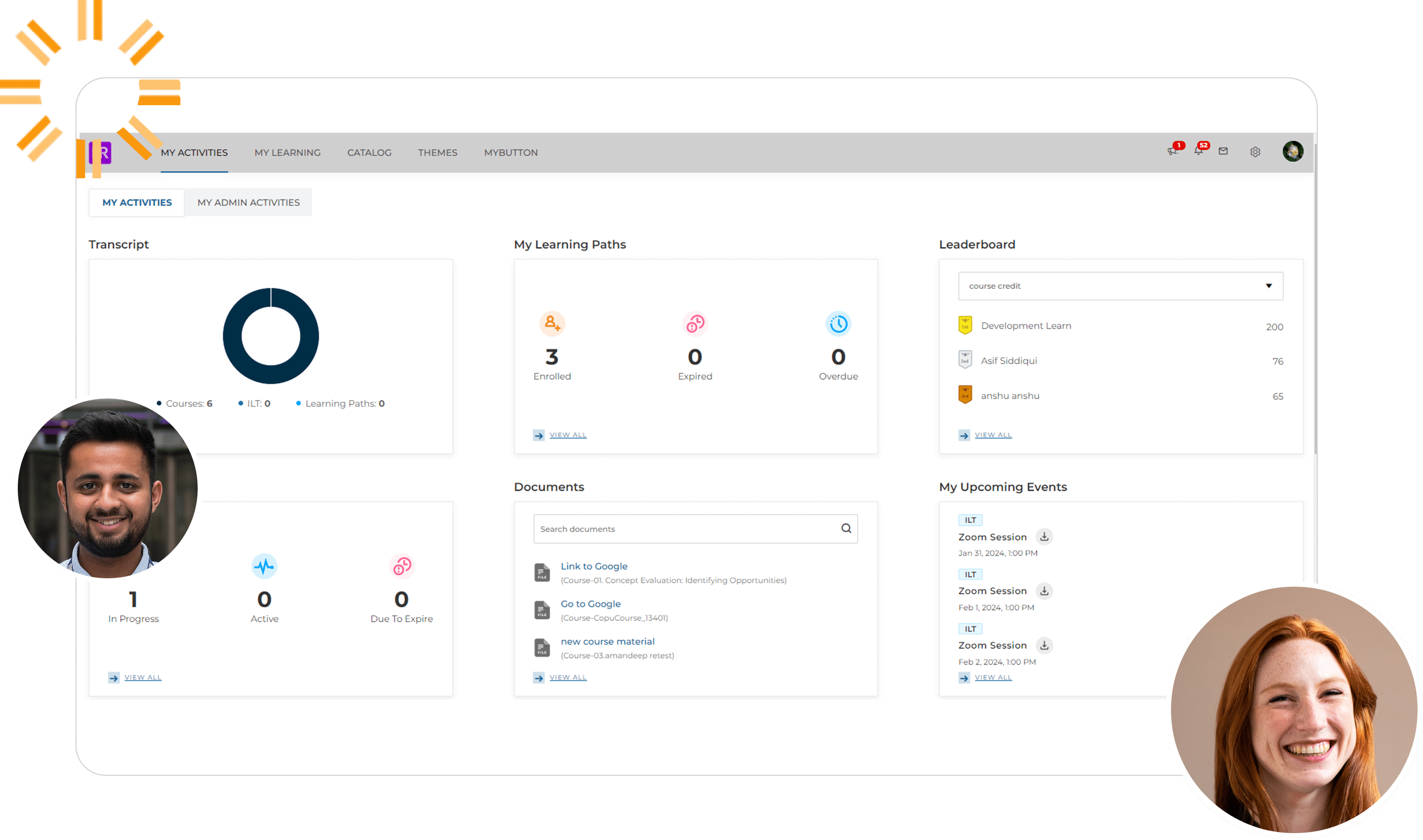
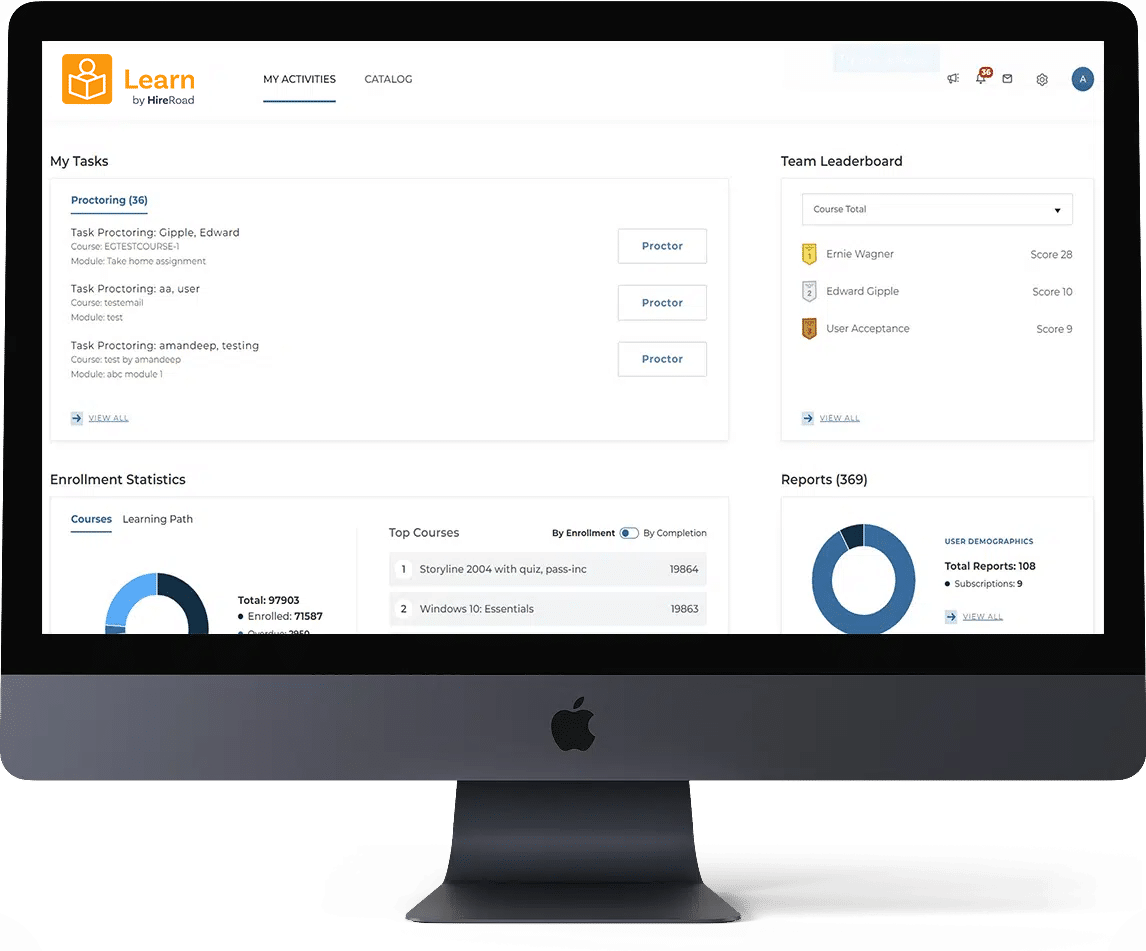
Build a more agile, high-performing workforce

|
Make employee education accessible and impactful. Engage your team as they develop and grow. |
|
|
Offer branded, customized instruction with hybrid, in-person, micro-learning, remote learning, or instructor-led training. |
|
|
Experience the benefits of an eLearning expert-built platform. Our LMS was developed by the best of the best. |
“This LMS has all the features and adaptability to accommodate our unique needs as if it were designed for our company. It’s easy to add new users…and assign courses.“
Jeremy H., Human Resources, Financial Services Company

Client Case Study: Generac
Fortune 1000 backup power generation products manufacturer streamlines global training program. Both compliance and product training scale with our LMS.
Automate compliance training and certifications
|
|
Build compliance training into your onboarding process. Enroll users in an automated learning path. |
|
|
Create customized training paths based on each employee’s learning needs, role, and more. |
|
|
Create and manage employee learning goals, and track and report on their progress with ease. |
Develop a scalable, long-term learning program
|
|
Cultivate long-term relationships with employees, customers, and partners by offering tailored learning experiences. |
|
|
Offer your courses and content in up to 14 languages. Our localization feature supports your growth at scale. |
|
|
Drive new revenue opportunities with original for-sale content — or curate courses from our plug-and-play library. |
|
|
Seamlessly integrate with your HCM, additional HireRoad products, and 3,000+ other business tools. |
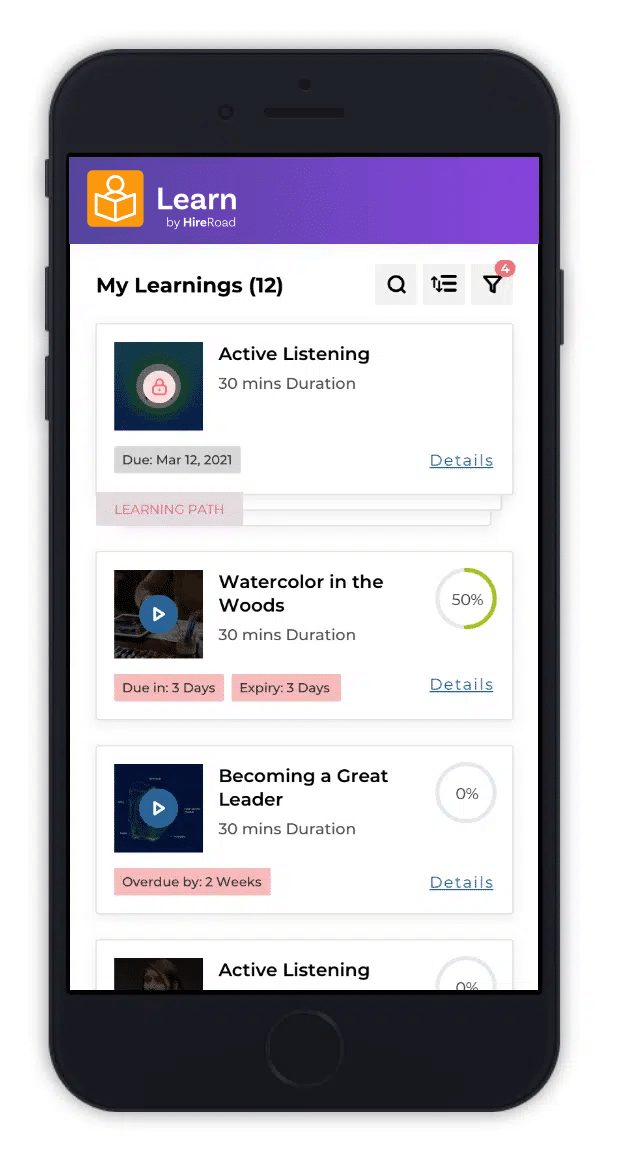
Request your demo!
Want to see our people analytics in action? Take the Self-Guided Tour
Take a guided tour of Learn by HireRoad
Here’s what you can expect in a demo:
|
|
Get an overview of the Learn by HireRoad software |
|
|
Discuss your training & development goals with our team of experts |
|
|
Learn how you can accelerate your new hires’ time to value |